Undocumented Breakthrough: The AlphaTheta XDJ-AZ Just Got djay Pro Support
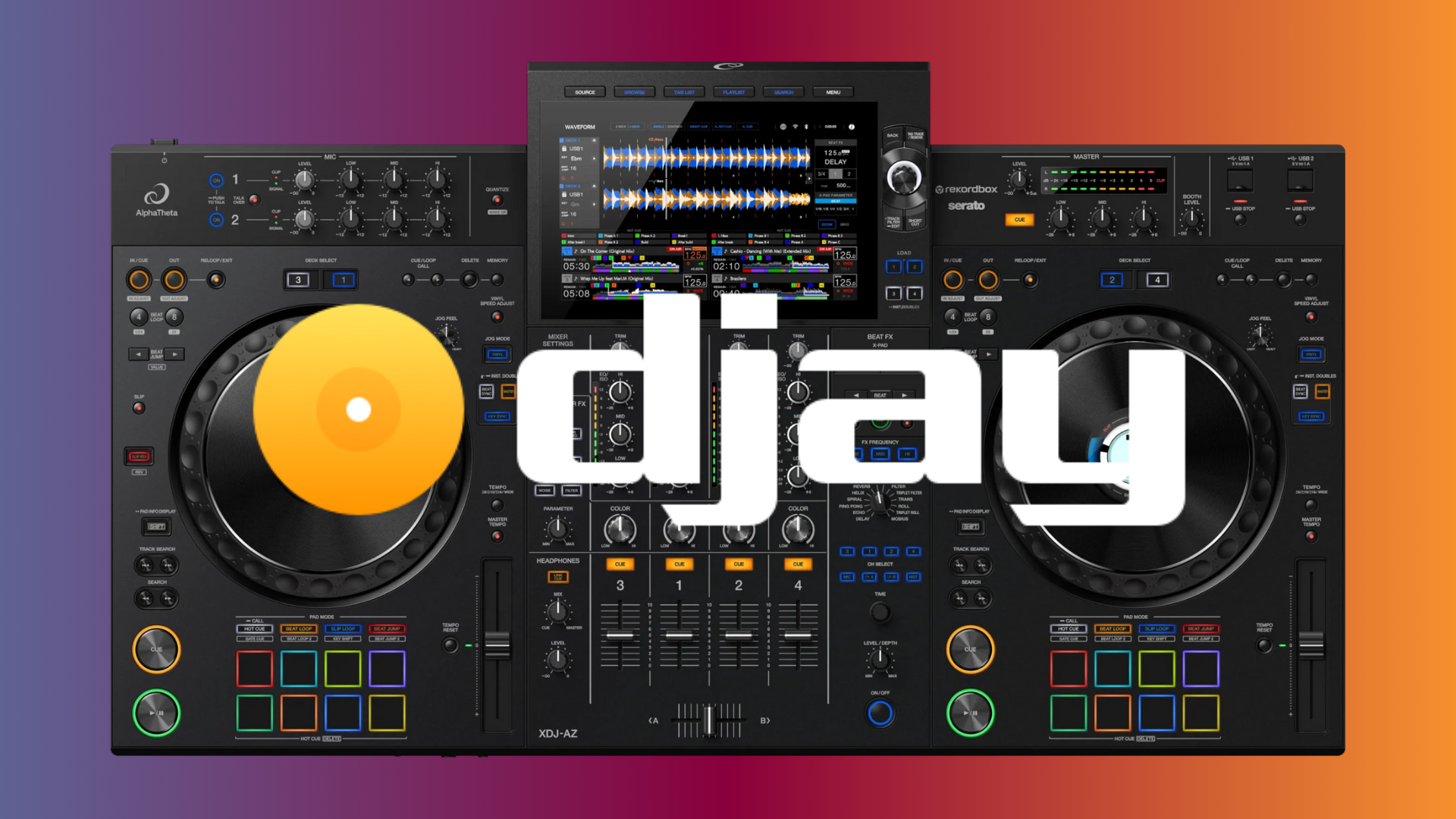
This is the news many hybrid digital DJs have been waiting for, and it has dropped without so much as a whisper from the official channels: The powerful AlphaTheta XDJ-AZ all-in-one controller now features native, deep integration with Algoriddim’s acclaimed software, djay Pro.
This is not a rudimentary MIDI-map job; this is a true, professional-grade implementation that instantly unlocks one of the most versatile controllers on the market for the djay Pro ecosystem.
The Feature We’ve Waited For: Screens Are GO
For years, the biggest hurdle to adopting the XDJ-AZ for software outside of the native ecosystem (like rekordbox) has been the lack of screen support. Today, that barrier is officially down.
We can confirm that when running the latest version of djay Pro (across Mac, Windows, or iPad), the central display screens on the XDJ-AZ are fully functional. This means critical information like track waveforms, library browsing, and loop parameters are displayed directly on the hardware, just as you would expect from a natively supported device.
Even more impressive is the working functionality of the jog wheel displays, providing essential visual feedback right beneath your fingertips. This deep integration drastically enhances the user experience, allowing DJs to remain focused on the hardware and the crowd, not just the laptop screen.
The Community Mystery: Where Is the Documentation?
Crucially, this compatibility appears to be a stealth update. As of this publication, there is no official press release, firmware update note, or dedicated support page from either AlphaTheta or Algoriddim confirming this new integration.
This kind of silent rollout is highly unusual for such a major feature and places the immediate burden of discovery on the user community. While the core functionality is clearly there, aspects like specific button assignments, performance pad modes, and advanced MIDI customization will need to be mapped out and shared by early adopters.
This is a community-driven discovery process. Your testing is essential to reveal the full scope of this integration.
Get Testing and Share Your Findings!
If you own an AlphaTheta XDJ-AZ and a license for djay Pro, the time to test is now.
- Plug & Play: Connect your XDJ-AZ and open djay Pro. Ensure you are running the latest version of both the software and your controller’s firmware.
- Test Pad Modes: Do the Hot Cue, Beat Loop, and FX pads align perfectly with the software functions?
- Library Browsing: How smooth is the transition between the on-screen library and the controller’s browsing knobs?
This undocumented feature is a massive win for flexibility, and together, the DJ tech community can fully map out this exciting new integration.